
Synced App Store record
Group trip planning and expense splitting
Roamie: Split travel expenses
Keep a group's itinerary, shared expenses, split rules, balances, and trip recap in one travel workspace.
- Price
- Free
- Category
- Travel
- App Store age rating
- Apple lists 4+
- Version
- 1.1.0
- Store record
Synced product screens
See what Apple publishes.
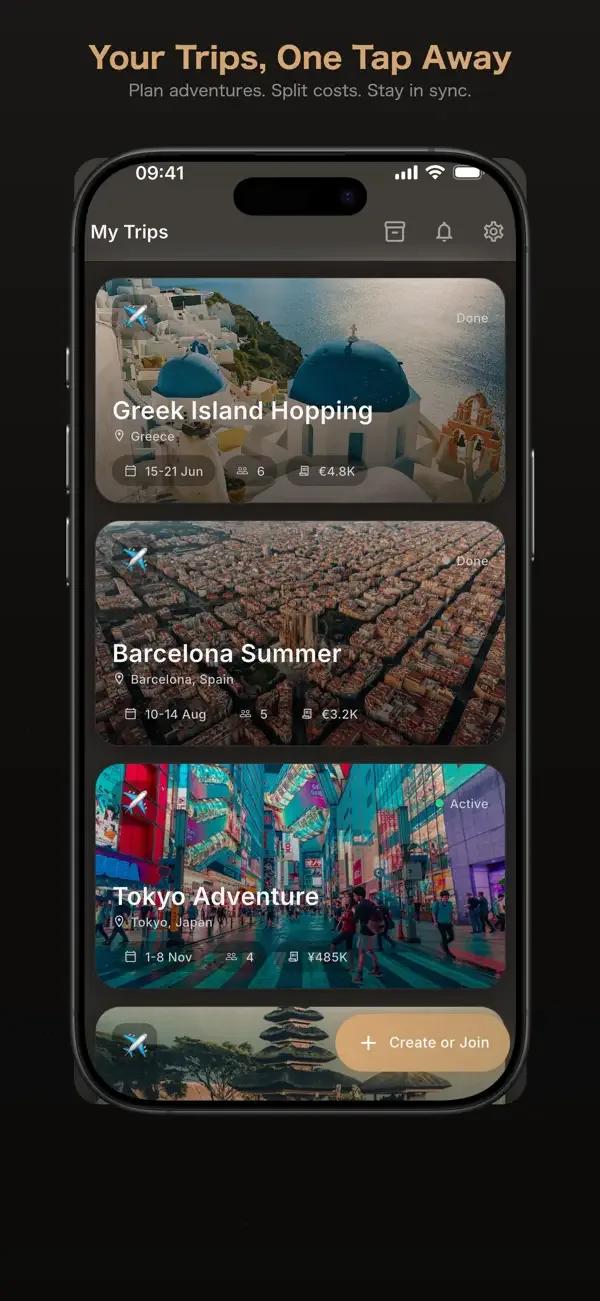
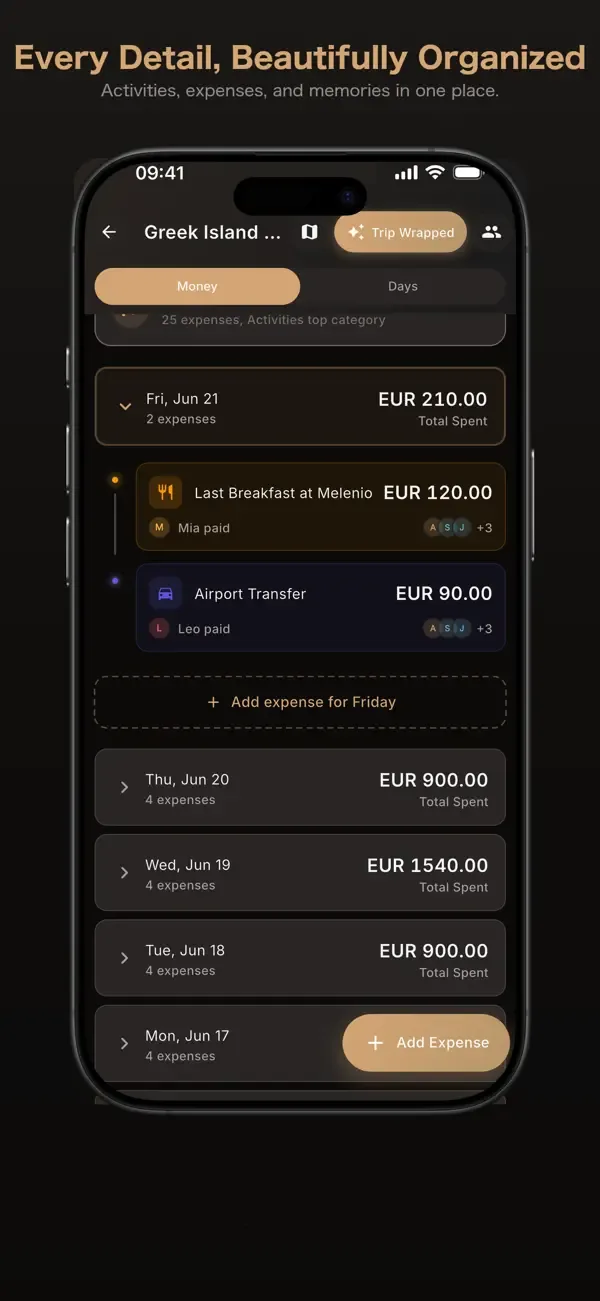
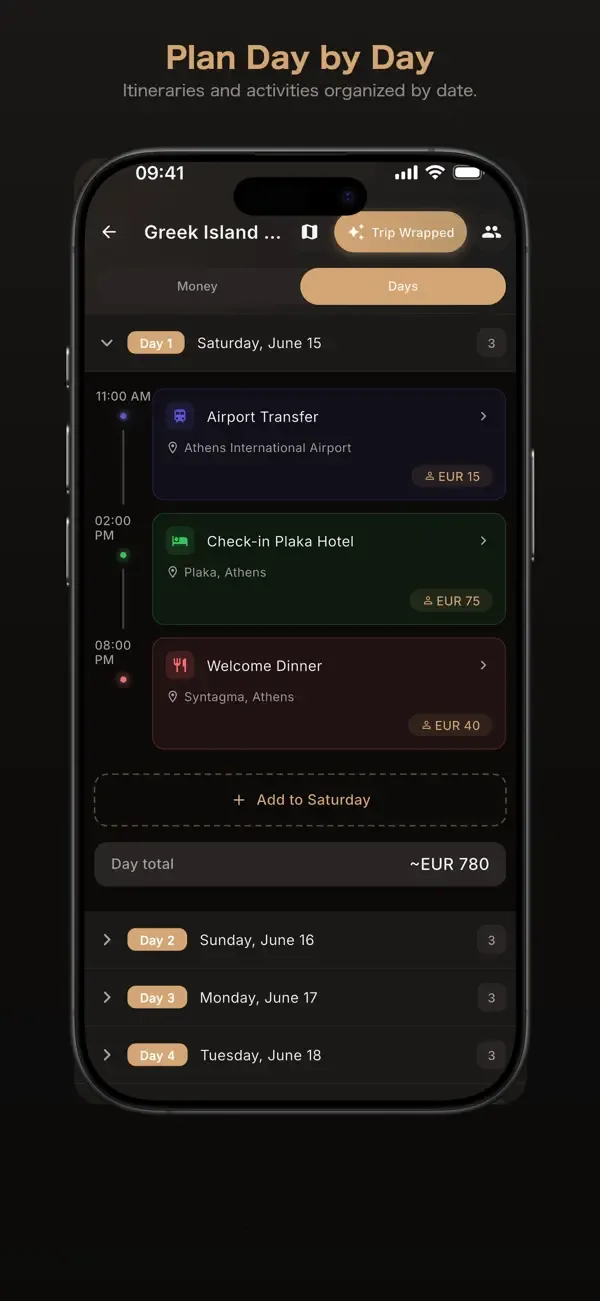
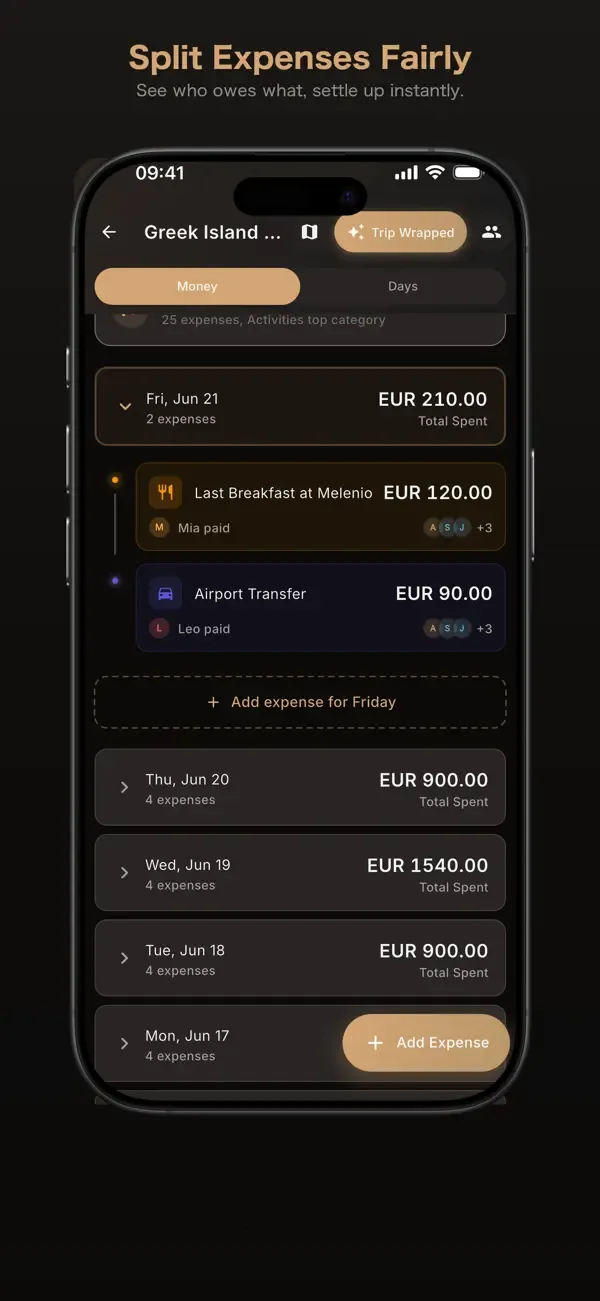
From the US App Store listing checked July 10, 2026; no mock screens.
A careful workflow
Plan the trip and settle the shared costs.
- 01
Create
Start a trip and invite the group with a shared link.
- 02
Plan
Add flights, hotels, restaurants, activities, and day-by-day itinerary details.
- 03
Split
Record expenses and choose equal, percentage, exact-amount, or custom-share splits.
- 04
Settle
Review balances and the completed trip recap before the group closes the trip.
Listing highlights
Keep the plan and the money in one trip.
Share one itinerary
Let the group add activities and see trip changes in the shared plan.
Choose a fair split
Use equal, percentage, exact-amount, or custom-share rules for each expense.
Review the final balance
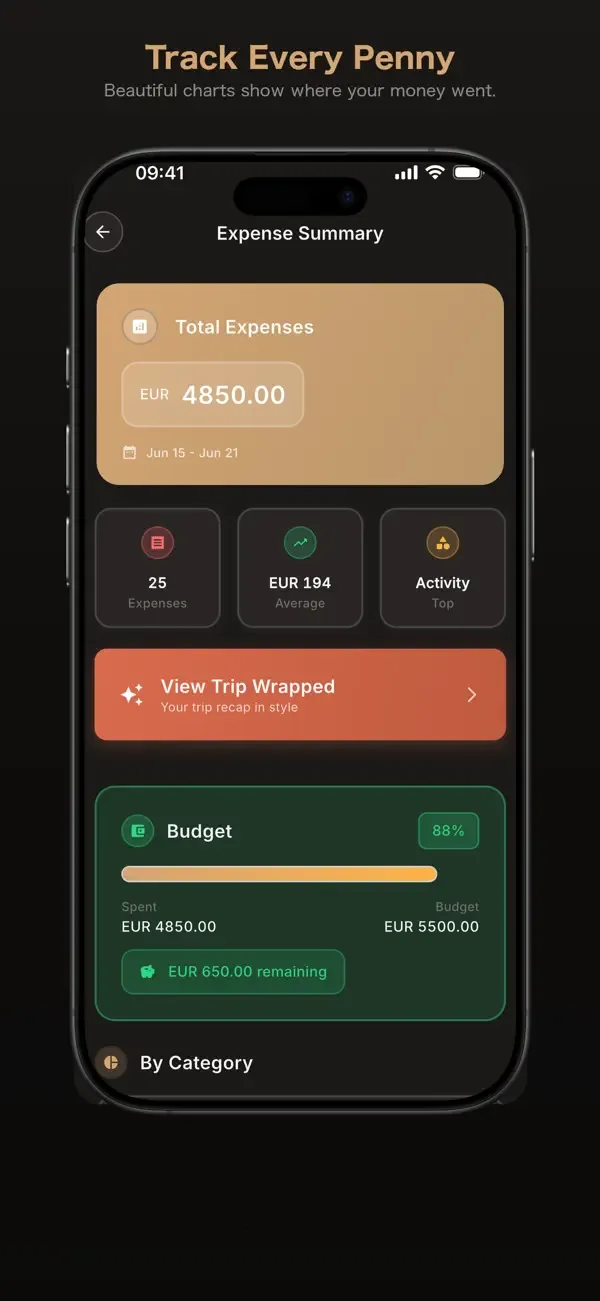
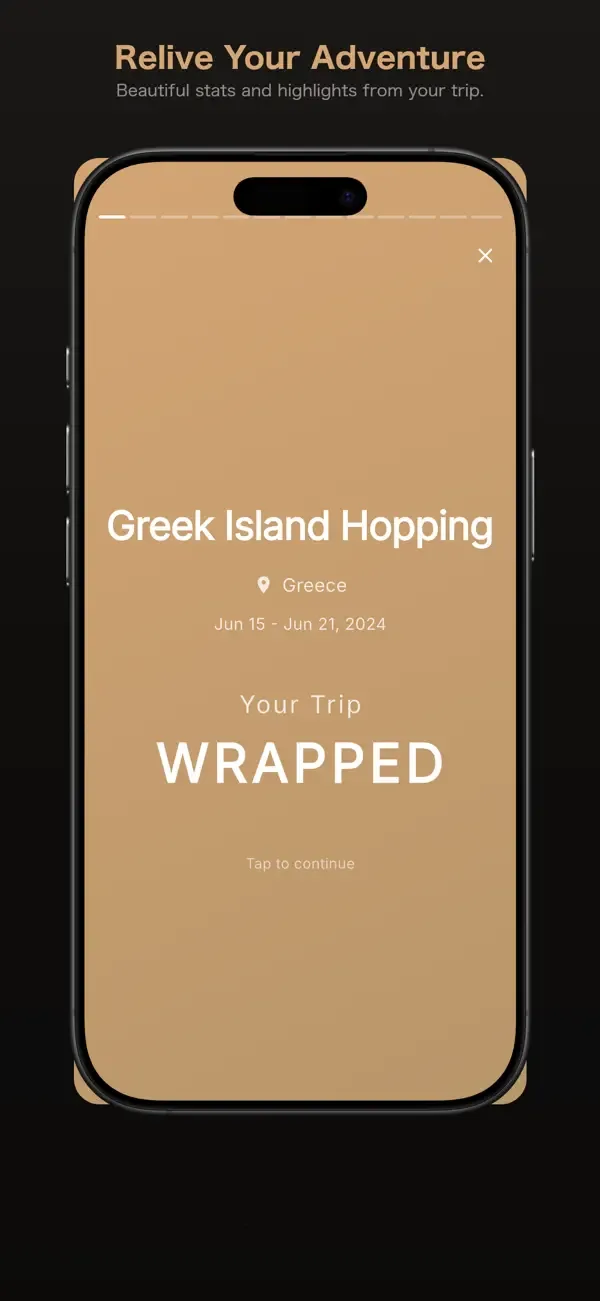
See spending, who owes whom, and the completed trip recap before settling up.
Related guides
Split the next group trip without losing the itinerary.
Field note 01
How to split group travel expenses without losing the shared record
Agree on a travel budget, record who paid, choose the right split for each cost, and settle balances without turning the trip chat into a ledger.
Specific answers
Questions before download
Which expense splits does Roamie support?
The App Store listing describes equal, percentage-based, exact-amount, and custom-share splits.
Can the group plan an itinerary in Roamie?
Yes. The listing describes shared flights, hotels, restaurants, activities, and a day-by-day itinerary.
How can I check the trip balance?
Use the shared expense views to review spending and who owes whom, then check the trip recap when the journey ends.
Where can I get Roamie: Split travel expenses?
Roamie: Split travel expenses is listed for iPhone on Apple's App Store. Open the verified store link on this page for current compatibility, pricing, and purchase details.